Key takeaways
- Design around decisions and risk, rather than the number of widgets.
- “Free” software does not mean every data feed is free, real-time or licensed for redistribution.
- Show timestamps, time zones and data-quality warnings clearly.
- Keep API credentials private and separate monitoring from order execution.
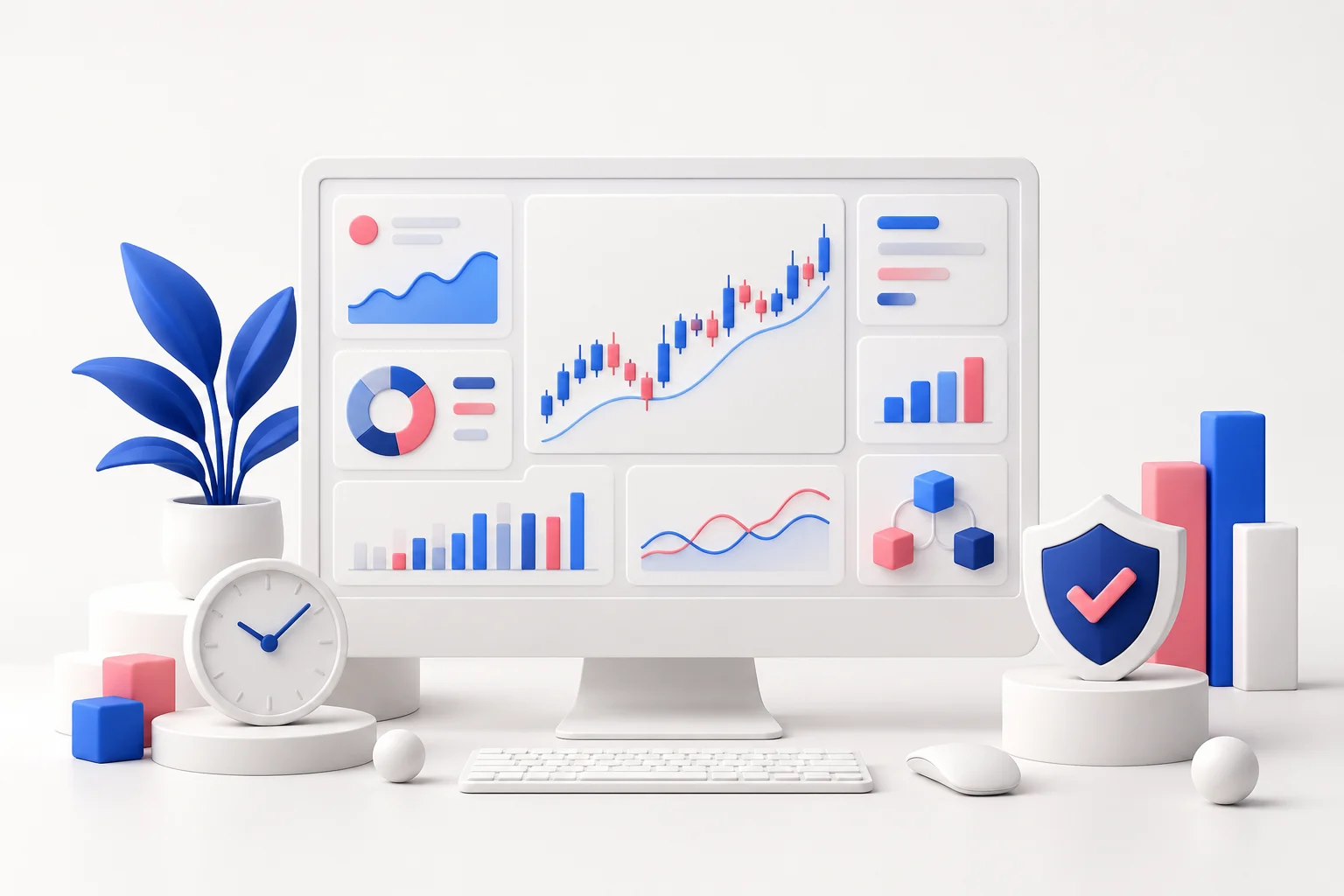
A trading dashboard should make important information easier to see. Adding more charts, indicators and alerts can achieve the opposite: a busy screen may hide stale data, distract from risk and create the impression of precision without improving decisions.
Start with a small set of questions. What markets are you following? What information changes a decision? How will you know if a feed stops working? These questions are more valuable than choosing a fashionable tool first.
1. Define the minimum useful screen
For a forex learning dashboard, a short watchlist, current bid/ask information, an economic calendar and a journal summary may be enough. A position-risk panel can be useful if it uses accurate account data and transparent calculations.
Decide the time horizon and refresh rate for each component. A daily research chart does not require the same update frequency as an execution display. Make the source and timestamp visible so readers can distinguish a current quote from an earlier observation.
2. Choose data before choosing charts
Check the provider’s documentation for instrument coverage, delay, request limits and permitted use. Confirm whether prices are bid, ask, midpoint or last traded, and whether they come from an exchange, dealer or aggregated feed.
Alpha Vantage’s support page, checked on 24 October 2026, lists a standard free allowance of 25 API requests per day for much of its offering, with separate conditions for other access. That is materially different from assuming a free feed can refresh several times each minute. Recheck the current plan before designing an application around it.
An unofficial wrapper such as yfinance should not be presented as a guaranteed official real-time data service. Similarly, access to a social-media API or exchange dataset can change. Confirm the current terms rather than relying on an old tutorial’s free-tier claims.
3. Build a small, dependable pipeline
Collect the data, validate the response, normalise timestamps and store what is needed. Check for missing values, duplicates and unexpected price formats. Do not silently replace an error with a plausible-looking number.
A simple local database can be sufficient for a prototype. Cache responses and avoid repeatedly requesting unchanged information. Keep the data-fetching logic separate from the charts so an unreliable feed does not make the entire application difficult to diagnose.
4. Use a clear visual hierarchy
Place the most important state first: data freshness, account or simulated exposure, and upcoming events. Put research charts and optional indicators below. Use consistent colours and units, and label simulated information explicitly.
Python with Pandas, Plotly and Streamlit is one possible toolset; Grafana can suit monitoring-oriented displays. These are implementation options, not a requirement to use every tool. A small application with understood dependencies is easier to maintain than a collection of loosely connected services.
5. Add alerts before automation
An alert should explain what triggered it, the relevant instrument and the data timestamp. Suppress duplicates and define what happens when the feed is unavailable. Test the alert against recorded or simulated data before relying on it.
Monitoring and execution are separate responsibilities. An automated order requires additional controls for permissions, position limits, duplicate requests, rejected orders and unexpected disconnects. A working chart does not demonstrate that an execution system is ready.
6. Protect credentials and private information
Keep secrets on the server or in an appropriate secrets manager, not in browser-delivered JavaScript or a public repository. Use the least access necessary; a research dashboard should not need withdrawal permissions. Enable available multi-factor authentication and review integrations periodically.
Back up necessary data securely. Public Git repositories are not suitable storage for account exports, private journals or API keys. Avoid putting confidential information into screenshots shared online.
A realistic first version
Build one watchlist, one chart, a visible “last updated” label and a clear stale-data warning. Then add a calendar and a journal review. Assess whether each new panel helps answer a real question before expanding further.
Launch checklist
- Confirm data rights, limits, time zones and refresh assumptions.
- Test missing data, delayed responses and failed connections.
- Verify calculations against a separate example.
- Keep monitoring read-only until any execution feature is separately tested.
Further reading
Turn understanding into practice.
A demo lets you explore a platform with virtual funds. It does not reproduce every condition of live trading.
Explore Deriv’s demo ↗Affiliate link. We may earn commission from referrals.